
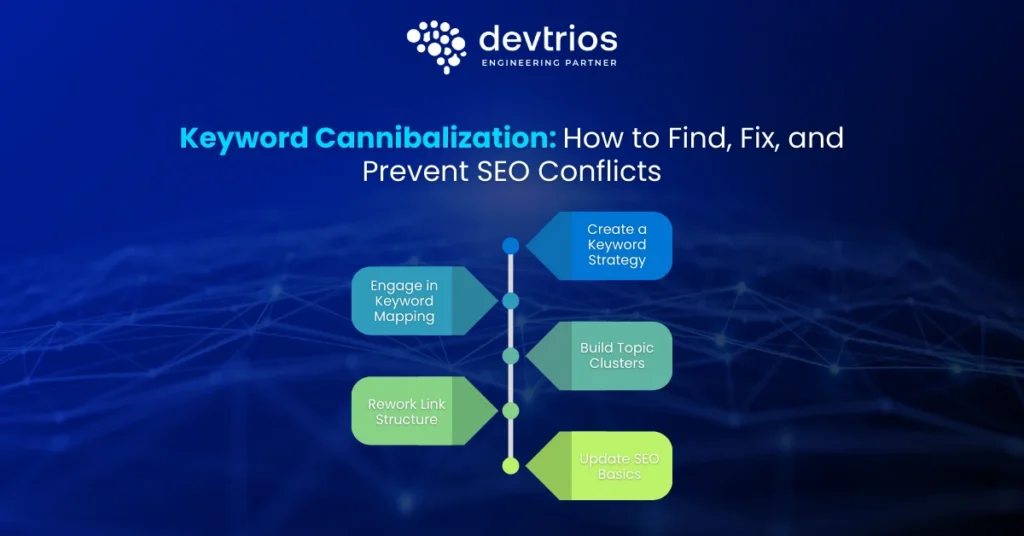

Keyword Cannibalization: How to Find, Fix, and Prevent SEO Conflicts
Keyword Cannibalization
Ali Hamza
Keyword cannibalization occurs when multiple pages on your site compete for the same keyword rankings. This confuses search engines, forcing them to choose which page is most relevant. The result is often lower rankings for all involved pages, diluted authority, and a confusing experience for users searching for your content.
What is Keyword Cannibalization?
The Core Definition
Keyword cannibalization occurs when multiple pages on the same website target the same search intent. This causes Google to split ranking signals between those pages and reduces overall search visibility, rather than ranking one clear, authoritative page.
Is keyword cannibalization always bad for SEO?
In most cases, yes but not always. When you split your link equity and relevance signals across two pages, neither page ranks as high as a single, consolidated page would. You are essentially asking Google to choose between your children. Often, Google chooses neither, and a competitor takes the top spot instead.
How Google Handles Cannibalization
Understanding why Google reacts this way is key to fixing the problem. Here’s what’s happening behind the scenes:
- Crawl Budget: Google allocates a limited amount of crawl resources to each website. When you have several similar pages, your important URLs may get crawled less often, delaying updates and hurting visibility.
- Ranking Signal Dilution: If multiple pages compete for the same intent, backlinks, user engagement, and other ranking signals get spread thin. Instead of building a single authoritative page, you weaken all related content.
- Query Deserves Diversity (QDD): For certain searches, Google wants to offer a mix of page types, but when your own pages are too similar, the algorithm might shuffle which one appears, or replace both with a competitor’s page.
- URL Switching Behavior: Over time, Google’s algorithms may swap which of your URLs ranks for a query (“ranking volatility”). This creates inconsistent rankings, poor user experience, and lost traffic.
Types of Keyword Cannibalization
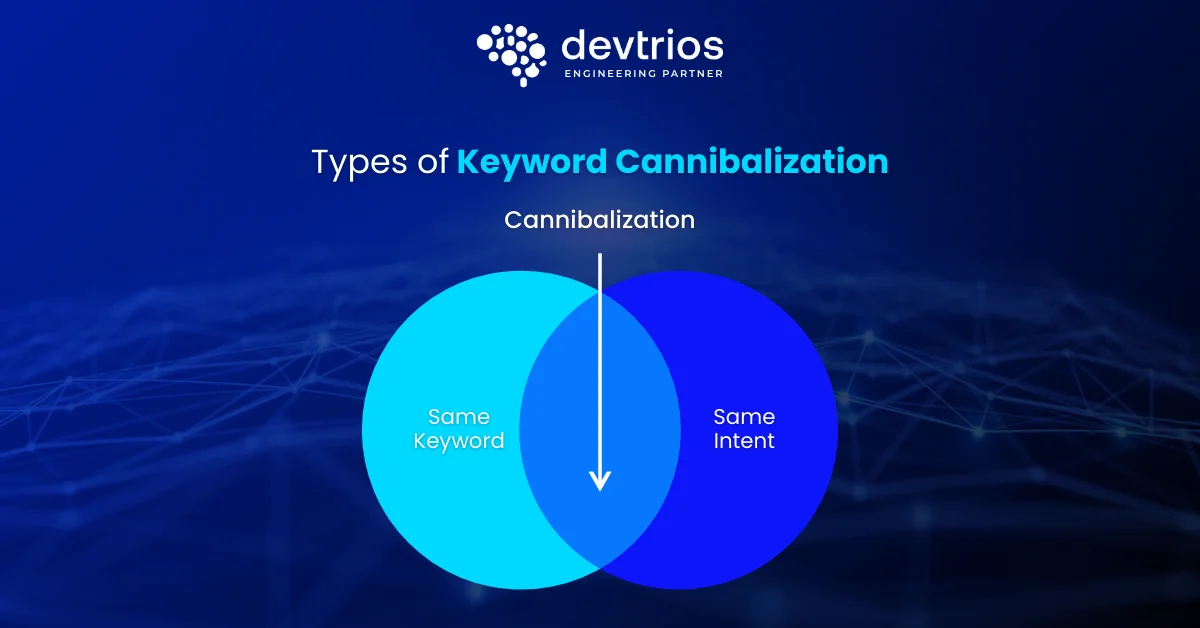
Not all overlaps are the same. You need to identify the specific type of conflict before you can apply the right fix. Here is how to categorize the issue.
| Type of Cannibalization | Description | Severity | Example |
|---|---|---|---|
| Exact Intent Duplicate | Two blogs cover the same keyword and answer the same question. | High | Blog A: "SEO Checklist for 2024" and Blog B: "2024 SEO Checklist" both target the same query. |
| Blog vs Category Conflict | A category page and a blog post both rank for a major keyword. | High | Category: "/running-shoes" vs. Blog: "Best Running Shoes for Beginners". |
| Ecommerce Filter / Pagination Conflict | Filtered or paginated URLs compete with category or top-level pages. | Medium | "/laptops?brand=apple" vs. "/laptops"; "/shoes?page=2" fragments ranking signals. |
| SaaS Documentation Overlap | Multiple help docs or articles target the same core feature or error. | Medium | "How to reset your password" vs. "Account recovery troubleshooting". |
| Intent Mismatch | A product page and a blog post rank for the same term but serve different intent. | Medium | "Running Shoes" category vs. "Best Running Shoes" blog. |
| Geo-Conflict | International pages compete with main or regional site pages. | High | example.com/en-gb ranking in the US instead of example.com. |
| Sub-topic Conflict | A broad guide competes with a specific sub-page. | Medium | "Ultimate SEO Guide" ranking for "Link Building" instead of the dedicated guide. |
| Metadata Conflict | Titles and H1s are too similar even if content differs. | Low | Two products with identical names but different specifications. |
| Pagination / Filter Cannibalization (Ecommerce) | Multiple filtered or paginated URLs index for the same term. | Medium | "/shoes?page=2", "/shoes?color=red" competing with the main category page. |
Want to Eliminate Keyword Cannibalization Fast?
Get a detailed SEO audit with clear actions to merge duplicates, fix ranking conflicts, and strengthen your site’s authority — no fluff, just practical results.
Request Free SEO Audit →When Keyword Cannibalization is NOT a Problem
Before you start deleting pages or merging content, you need to pause. Not every instance of two pages ranking for the same keyword is bad. In fact, sometimes it is a sign of dominance.
Double Ranking (The "Site Links" Effect)
If you search for your brand name or a very specific branded term, you might see 2 or 3 of your pages ranking in positions #1, #2, and #3. This is not cannibalization; this is brand authority. Do not touch this. You own the entire SERP (Search Engine Results Page).
Distinct User Intents
Sometimes, a keyword has a fractured intent. Users searching for “CRM software” might want to buy software, or they might want to learn what it is. If you rank with a product page at #4 and an informational blog post at #5, you are capturing both intents. Merging these would likely result in losing one of those positions.
Can multiple pages rank for the same keyword safely?
Yes, provided they serve different stages of the funnel. If a user sees your “What is X” guide and your “Buy X” landing page, you have effectively doubled your click-through rate (CTR) potential. The problem only exists when the pages fluctuate wildly in rankings or the wrong page (the low-converting one) outranks the right one.
How to Find Keyword Cannibalization
You cannot fix what you cannot see. Identifying ranking conflicts requires a mix of manual checking and data analysis. Here are three workflows, ranging from free to advanced.
1. The “Site:” Search (Manual & Free)
This is the quickest way to spot obvious duplicates.
- Go to Google.
- Type site:yourdomain.com “target keyword”.
- Look at the results.
If Google returns 5 pages that all look relevant to that keyword, you have a problem. The order in which Google lists them hints at which page it currently views as the most authoritative.
2. Google Search Console (The Accurate Method)
This is the most reliable data source because it comes straight from Google.
- Open Google Search Console.
- Go to Performance > Search Results.
- Click on a high-traffic Query.
- Click the Pages tab underneath the graph.
The Diagnostic:
Look at the list of pages ranking for that specific query. Do you see two or more URLs with significant impressions and clicks?
- Scenario A: One URL has 90% of clicks. (Likely fine).
- Scenario B: Two URLs split clicks 50/50. (Active cannibalization).
- Scenario C: URLs keep swapping positions over time. (Fluctuation issue).
3. Content Audit Spreadsheet (The Strategic Method)
For large sites, you need a spreadsheet.
- Export your top 1000 pages from Ahrefs, Semrush, or GSC.
- Create a column for “Primary Keyword”.
- Sort the sheet by that keyword column.
- Highlight duplicates.
Struggling with Keyword Cannibalization?
Get expert help to audit your site, merge competing pages, and build a clear keyword strategy that boosts rankings instead of splitting authority.
Fix My SEO Conflicts →How do I know if my site has cannibalization using tools?
In Ahrefs, use the “Organic Keywords” report and toggle “Multiple URLs only”. In Semrush, use the “Cannibalization” report in the Position Tracking tool. These tools automate the discovery process, but manual verification is always safer.
Decision Framework
Most SEOs mess up by applying the same fix (301 redirects) to every problem. That is dangerous. You must match the solution to the specific problem.
Use this decision logic before taking action.
| Situation | What Google Wants | Correct Fix |
|---|---|---|
| Two pages, same intent, same quality | One strong, authoritative result | Merge & Redirect (301). Combine content into the stronger URL and redirect the weaker one. |
| Wrong page is ranking | A clear hierarchy of relevance | De-optimize. Reduce keyword usage on the wrong page and add internal links pointing to the correct page. |
| Duplicate content, but both pages needed | Clarity on the original version | Canonical Tag. Point the duplicate page’s canonical tag to the primary version. |
| Missing intent page | The best possible match for the user | Create New Page. Build a dedicated page that perfectly satisfies the search intent. |
| Thin, low-value pages ranking | High-quality content only | Delete & 410. If the page has no traffic, backlinks, or value, remove it from the index. |